


If you’re still grading handwritten assignments entirely by hand, you already know how much time disappears into reading, scoring, and writing the same types of comments over and over.
The challenge is that not all AI grading tools for teachers can handle paper-based work well. Some are built mainly for typed essays, while others are better at scanned worksheets, exams, or short-answer responses.
That’s why we narrowed the options down to six tools that actually support handwritten grading in some form.
In this guide, we’ll compare the 6 best AI handwritten grading tools for the 2026–2027 school year, including CoGrader, our own AI grading platform, and break down how each one handles scanned work, rubrics, feedback, analytics, and pricing.
If handwritten essays are taking up too much of your grading time, create a free CoGrader account today to get started.
What to look for in an AI handwritten grading tool
Plenty of tools now offer optical character recognition (OCR) strong enough to read cursive, pencil, and crossed-out text reliably.
However, where these tools separate is everything surrounding the reading, so before committing to one, ask these five questions:
- Can it split a batch scan into individual student submissions? Most teachers collect paper the same way: by feeding the whole stack through the school copier and ending up with one PDF that holds the entire class. A tool built for handwritten work should separate that file into individual essays and automatically attach each one to the right student. If it requires one file per student, you’re the one doing the separating, and exporting page ranges by hand usually takes longer than the grading itself.
- Does it flag uncertain matches before grading begins? Automatic splitting gets most of a class set right, but some errors are unavoidable. A name written too small to read, a second page with no name on it, or two students who share a first name will trip up any system. What matters is whether the tool shows you which submissions it wasn’t confident about and lets you correct them before any grades are generated. Tools that guess silently produce the worst possible outcome, which is a wrong grade attached to the wrong student that you discover from a confused email.
- Can you capture student work with a phone? Not every teacher has reliable scanner access, and a single page of in-class writing rarely justifies a trip to the copy room. Better tools include phone capture directly in the platform, so you photograph pages and they land in the assignment. Workarounds that route through a separate scanning app, a cloud drive, and a manual upload add enough friction that most teachers abandon them after the second assignment.
- Do grades flow back to your LMS? A tool that makes you type every score into your gradebook by hand hasn’t saved you much time, so it’s recommended you look for one that exports grades and feedback directly to Google Classroom, Canvas, Schoology, or whatever LMS your classroom uses.
- Does it protect scanned student work? Since a scan of a handwritten essay contains student data, you’ll want a tool that complies with FERPA and COPPA, anonymizes student information before it reaches any AI provider, and puts those commitments in writing.
The 6 best AI handwritten grading tools
The six best AI handwritten grading tools each take a slightly different approach, from scanning full class sets and grading essays to scoring worksheets, exams, and short-answer responses. Below, we compare how each one handles handwritten work, along with its key features, pricing, and limitations.
1. CoGrader: Best for handwritten essays and class sets
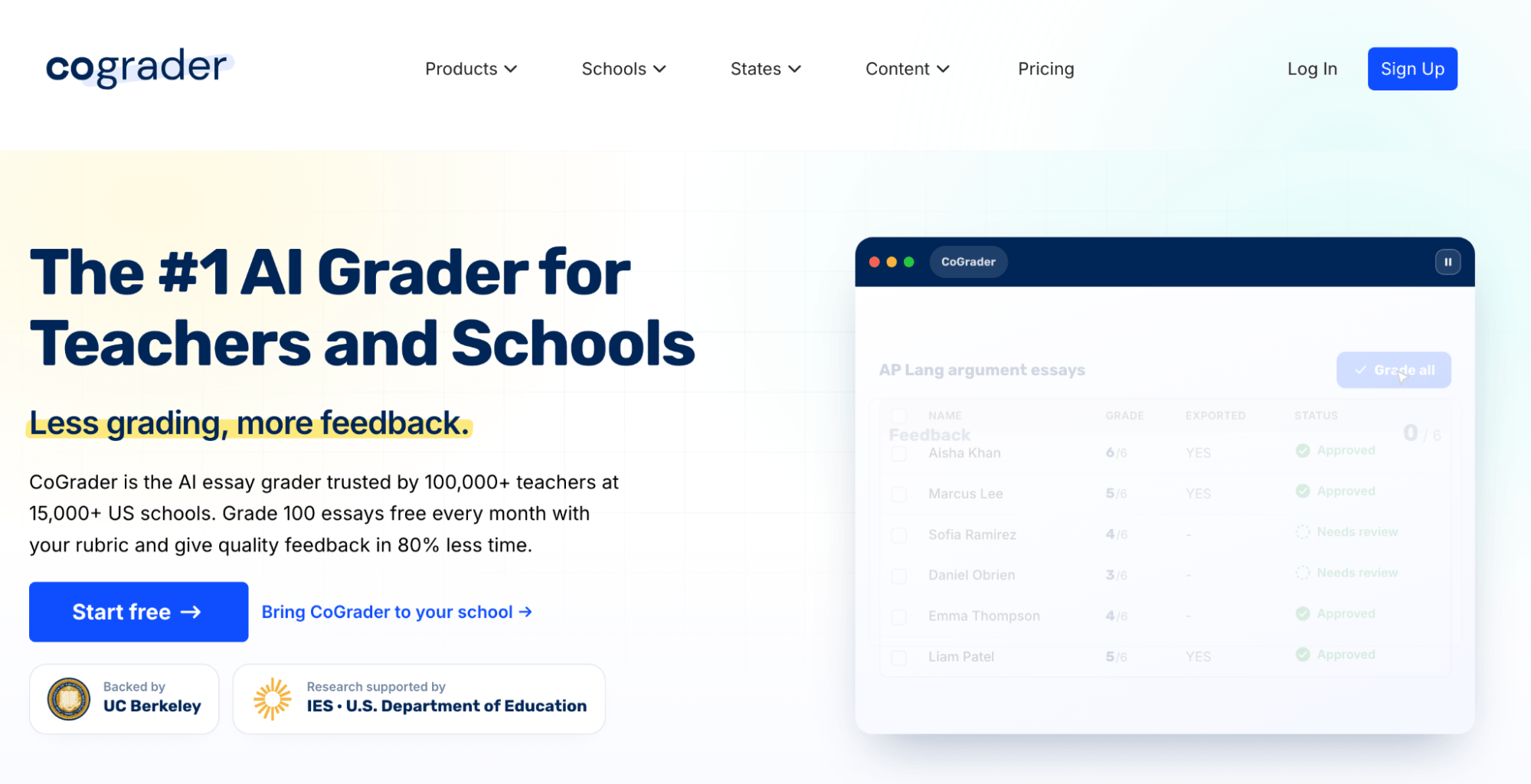
CoGrader is our own AI grading tool for essays and written assignments, including work students complete entirely by hand.
What makes CoGrader different from other tools for handwritten grading is that it handles the work before grading starts. Instead of scanning and uploading one paper at a time, you can feed an entire class set through your school scanner as a single PDF.
From there, CoGrader separates the file into individual student submissions, matches pages together, and flags anything it isn’t confident about for you to review.
You can also photograph assignments with your phone or upload individual files if that’s easier. Once the papers are organized, CoGrader grades them against your rubric, generates personalized feedback, and gives you class-level analytics to see where students performed well or struggled.
Below, we’ll show how CoGrader’s AI essay grader handles handwritten assignments, from uploading and organizing scanned work to grading with rubrics, generating feedback, and reviewing class analytics.
How handwritten grading works in CoGrader
CoGrader gives handwritten assignments their own handwritten grading workflow. Instead of converting papers to digital files one student at a time, you can bring an entire stack into the platform and let CoGrader organize the submissions before grading begins.
Here’s exactly how it works:
Choose how you want to upload the papers. You have three options:
- Scan the entire class at once: Run the stack through your school scanner and upload the resulting PDF. CoGrader separates the file into individual student submissions and groups multi-page assignments together.
- Scan with your phone: CoGrader generates a QR code that opens the capture workflow on your phone. Enter the student’s name, photograph each page, review the images, and move directly to the next student.
- Upload separate files: If you already have one PDF or image per student, you can upload those individually instead.
Review how CoGrader separated the class set. Before grading starts, CoGrader shows every submission it identified and flags anything it isn’t confident about. A name that’s too small to read, for example, can be entered manually.
Fix any pages that need attention. If a second page wasn’t matched to the correct student, select the pages and combine them into one submission. You can also correct student names or reorganize pages before continuing.
Only after you’ve reviewed the class set does CoGrader move on to grading. This extra check lets teachers catch mismatched names or pages up front rather than discovering them after scores and feedback have already been generated.
Batch grading essays and providing students with personalized feedback
When student work is uploaded and the handwritten submissions are organized, CoGrader can grade the entire class set in one pass instead of making you open and score each paper individually.
Each essay is evaluated against the rubric and grading settings you chose for the assignment. CoGrader then returns a draft score, rubric-level breakdown, and written feedback for every student.
The feedback CoGrader can provide is much more detailed than single summary comments. Teachers can choose from different formats, including Glow/Grow, 3-2-1, Two Stars and a Wish, WWW/EBI, and other styles depending on how they normally respond to student writing.
Once grading finishes, the submissions dashboard shows every student alongside their score and review status. Each paper remains marked Graded, needs review until you open it and confirm the result.
This is particularly important for handwritten assignments. You can review the original scanned work alongside CoGrader’s suggested grade and feedback, rather than relying on the AI’s interpretation of the handwriting alone.
For each student, CoGrader provides feedback tied to their actual response. You can see what the student did well, where the writing needs improvement, and how their work performed across individual rubric criteria.
Before returning anything, teachers can:
- Change a suggested score or rubric level
- Rewrite or remove feedback
- Add their own comments
- Ask CoGrader to shorten, simplify, or change the tone of its feedback
- Adjust feedback to focus more heavily on a particular part of the assignment
This makes the workflow different from simply scanning papers and automatically assigning grades. CoGrader handles the first pass across the class, but the teacher still reviews each handwritten submission individually before approving it.
Once you’re satisfied with the grade and comments, you can approve the submission and move to the next student. That gives you the speed of batch grading while keeping the final decision about each student’s work in your hands.
Grade handwritten work against your own rubric
Handwritten assignments still need to be graded against clear criteria. The fact that a student wrote the work on paper should not change how consistently the assignment is scored.
With CoGrader, you choose the rubric first, then the handwritten submissions are evaluated against that exact framework.
Teachers can use several different rubric sources, including:
- Your own existing rubric, uploaded as a document, spreadsheet, image, or other supported file
- A rubric from CoGrader’s library, with options organized by grade level, subject, state, and curriculum
- Standards-based rubrics aligned to frameworks across all 50 U.S. states
- Assessment frameworks such as AP, IB, Smarter Balanced, Cambridge, and MSAA
- International standards for countries including Australia, England, and New Zealand
- AI-generated rubrics built from a description of the assignment
This gives teachers a lot of flexibility with handwritten work. A middle school ELA teacher might upload the same argument-writing rubric they already use on paper, while an AP teacher can grade handwritten essays against an exam-specific framework without recreating it manually.
If you do need to build something new, CoGrader can generate a rubric from a plain-language prompt. For example, you could ask for a rubric for a 9th-grade handwritten literary analysis that weighs evidence and reasoning more heavily than grammar.
Every rubric remains editable after it is created or imported. You can change the criteria, rewrite performance descriptions, adjust point values, or remove anything that does not apply to the assignment.
The important part is that handwriting recognition and rubric-based grading stay separate. CoGrader first reads and organizes the paper submission, then evaluates the work using the rubric you selected rather than scoring it against a generic AI standard.
Use class analytics to identify learning gaps and performance trends
Grading a stack of handwritten essays gives you individual scores, but CoGrader also combines those results into a class-level view so you don’t have to flip back through 30 papers to figure out what students struggled with most.
It’s common for teachers to form judgments about class performance based on a feeling of how students did, rather than with actual data. CoGrader solves this by turning every graded paper into data you can compare across the class, giving you a clearer picture of which skills were actually mastered and which ones need more attention.
The Overview dashboard shows the class average, grade distribution, students who may need reteaching, students ready for enrichment, and any missing submissions. It also breaks performance down by rubric criterion, so you can see whether a weak overall score came from one specific skill.
For example, after grading a stack of handwritten argumentative essays, you might find that most students performed well on organization but struggled with evidence and reasoning. Instead of rereading the papers to confirm that pattern, you can see it directly in the class results.
CoGrader then separates those findings into additional views:
- Patterns surfaces recurring trends across student work.
- Strengths shows the skills students demonstrated most successfully and which students stood out.
- Areas for growth identifies the skills causing the most difficulty and the students who may need additional practice.
- Intensive support highlights students whose performance falls outside the broader class patterns and may warrant individual follow-up.
As a result, handwritten work can feed into the same instructional decisions as digital assignments. Your teaching doesn’t skip a beat, and the type of assignments you give students won’t impact the amount of time you spend grading either.
Students can still write on paper, while you get measurable class-level data that helps determine what to reteach, who needs additional support, and what the class may be ready to tackle next.
CoGrader pricing
Handwritten grading is included on CoGrader’s free Starter plan, so you can grade paper essays without paying for an upgrade.
- Starter: Free for up to 150 submissions each month. Includes handwritten grading, rubric tools, LMS connections, FERPA compliance, and temporary access to premium features.
- Standard: $15/month when billed annually, with 350 monthly submissions. Adds class analytics, grammar checks, AI detection, and plagiarism detection.
- Schools & Districts: Pricing scales with the institution and removes submission limits. Schools also get shared resources, administrative controls, reporting, onboarding, and priority support.
- Higher Ed & Enterprise: Custom packages for larger organizations that need features such as API access, custom integrations, dedicated account management, specialized permissions, and tailored support agreements.
For teachers specifically looking to grade handwritten work, the free plan covers it. See how AI handwritten grading works in CoGrader.
Try CoGrader for free today to see how the grading process works.
2. GradingPal
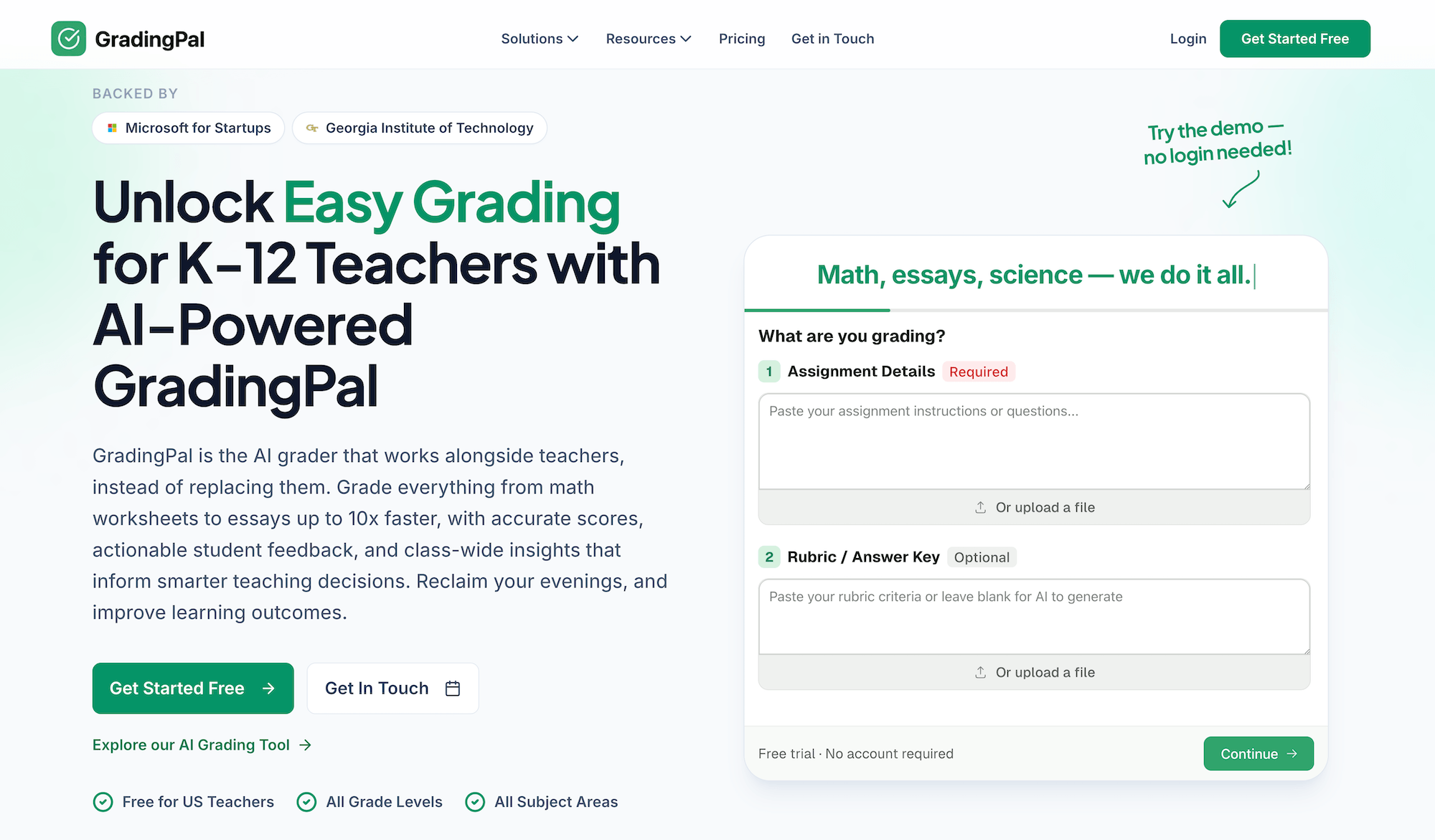
GradingPal covers more assignment types than most tools on this list, making it a good fit for teachers across multiple subjects. Handwritten math problems, science lab reports, quizzes, and worksheets all go through the same workflow.
If you teach a subject where the paper coming in is short-answer rather than long-form, this is the more sensible pick. But the downside is the writing capabilities it can offer. You’ll notice it doesn’t handle comprehensive writing as well because its main focus is supporting a variety of assignment types.
Key features
- Handwritten and typed work across most K-12 subjects and grade levels
- Rubric upload plus AI-generated rubrics aligned to Common Core, NGSS, AP, and state standards
- Analytics covering standards mastery and at-risk students
- Teacher review before any grade reaches a student
- Advanced OCR with 95%+ accuracy
Pricing
GradingPal’s Free plan includes 100 submissions per month and handwritten assignment support.
The Lite plan costs $14/month when billed annually and increases the allowance to 300 submissions. However, some assignment types and performance analytics are separate add-ons at this tier.
The Pro plan costs $26/month annually and removes the submission cap while including all assignment types and performance analytics. Schools and districts receive custom volume pricing.
3. GradeWithAI
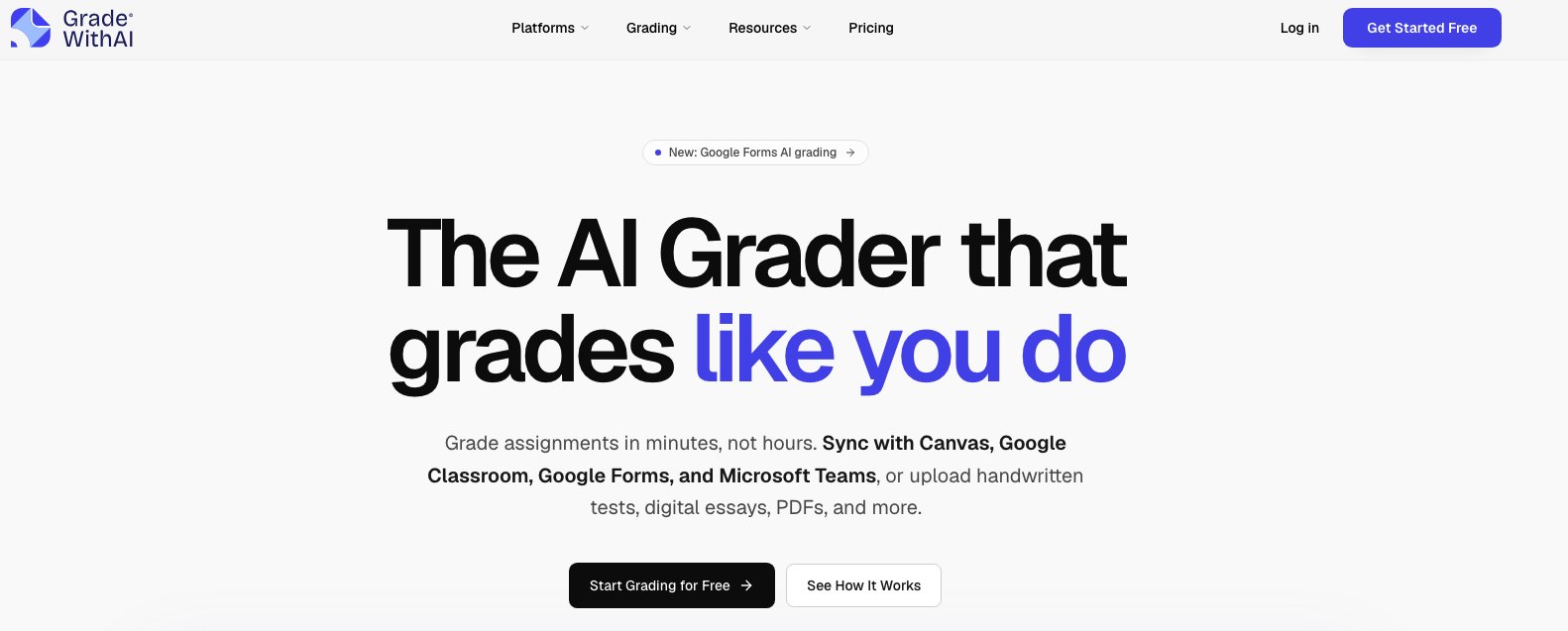
GradeWithAI is one of the easier tools to experiment with because handwritten grading isn’t locked behind a paid plan.
Teachers can upload photos, images, or scanned PDFs. The platform runs transcription on the handwritten work first, then applies your rubric to the transcribed text. It supports cursive, printed writing, math notation, and diagrams, and flags sections it can’t confidently read instead of silently filling in the gaps.
You can use your own rubric or generate one from the assignment, review the suggested scores and comments, and then return the results through supported LMS integrations.
Key features
- Handwritten grading from PDFs, scans, and phone photos
- Cursive, print, math notation, and diagram recognition
- Unclear handwriting flagged for teacher review
- Custom and AI-generated rubrics
- Criterion-level feedback tied to student work
- Google Classroom and Canvas integration
Pricing
The Free plan includes 25 AI grading requests per month and already includes handwritten assignment support, Google Classroom, Canvas, and AI rubric generation.
Pro plans cost $20/month and add unlimited AI grading requests, automated submission grading, AI detection, and additional controls.
School and district plans use custom pricing and add features including SSO, administrative analytics, bulk user management, Microsoft Teams, and Schoology.
4. Proctor AI
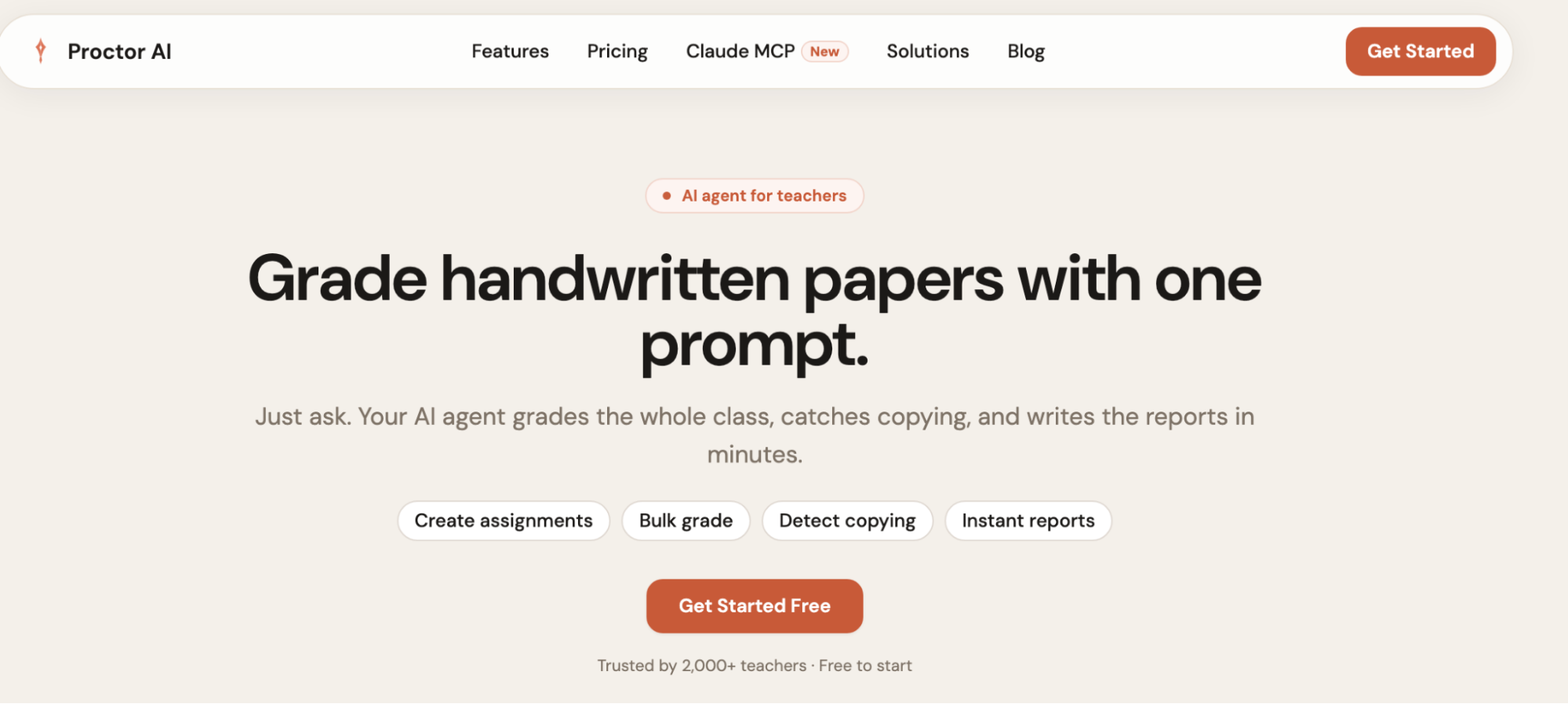
Proctor AI takes a more agent-based approach to handwritten grading. Instead of configuring every part of the workflow through menus, you can upload the work and tell the system what you want it to do in plain language.
The platform lets teachers scan all of their answer sheets into one PDF, upload that file, and have Proctor AI separate the individual papers before grading them against a rubric or marking scheme.
It also writes corrections directly onto the scanned paper rather than limiting feedback to a separate summary. The system supports long answers, math steps, diagrams, chemical equations, MCQs, and other formats, making it particularly interesting for handwritten exams.
Key features
- Upload one PDF containing the entire class set
- Automatic separation of individual papers
- Handwriting recognition across essays, calculations, diagrams, and equations
- Rubric and marking-scheme grading
- Corrections annotated directly onto scanned papers
- Copying and answer-similarity analysis across the class
- Question-by-question reports and performance graphs
Pricing
The Free plan supports three assignments, up to 30 students, and 20 AI gradings per month.
Pro costs $14/month when billed annually and includes unlimited assignments, up to 200 students, 500 AI gradings per month, full analytics, integrity analysis, and re-evaluation tools.
The School plan starts at $80/month when billed annually for five teacher accounts and adds unlimited students and AI grading, advanced analytics, school branding, and priority support.
5. Gradescope
Gradescope has been used for paper-based grading much longer than most of the newer AI graders on this list. Teachers can scan a stack of exams themselves or have students photograph and submit their own handwritten work.
But it works much differently. It doesn’t simply read a handwritten essay and generate a finished score and personalized narrative feedback. For fixed-template assignments, its AI-assisted grading feature looks across the class for similar answers and suggests groups.
You review those groups and can grade matching responses together instead of repeating the same rubric selection student by student. It’s a useful option for exams, worksheets, equations, short responses, and large university courses.
Key features
- Batch scanning for instructor-collected paper assignments
- Student uploads from PDFs or phone photos
- AI-assisted grouping of similar handwritten responses
- Question-by-question grading
- Dynamic rubrics that can be changed during grading
- Anonymous and collaborative grading on the Institutional plan
- Per-question and per-rubric analytics
Pricing
Gradescope currently has two plans.
Gradescope Basic is free and includes dynamic rubrics, question-by-question grading, PDF assignments, statistics, regrade requests, and data exports.
The Institutional plan uses custom pricing and adds the features that matter most for AI-assisted handwritten workflows, including AI-powered grading, AI roster matching, collaborative grading, LMS integrations, advanced rubrics, and administrative controls. Gradescope also offers a one-term Institutional trial.
6. GradeLab
GradeLab works more like an institutional exam-grading system than a lightweight classroom app. It allows teachers and schools to upload scanned answer sheets or smartphone photos.
From there, GradeLab uses OCR to extract handwritten responses, then grades them against a rubric or marking scheme. It supports essays and short answers, along with math notation, diagrams, and other structured exam responses.
The platform also puts more emphasis on multilingual handwriting than most tools. GradeLab supports OCR across 30+ languages, making it particularly relevant for international schools, universities, and examination bodies handling large paper-based assessments.
Key features
- OCR for handwritten essays, exams, calculations, and diagrams
- Bulk processing for very large class and institutional batches
- Automatic page, question, and student-data detection
- Custom rubric and marking-scheme evaluation
- Partial-credit and step-based marking
- Low-confidence answers flagged for human review
- Multilingual handwriting support
- Per-question analytics and topic-level mastery reports
Pricing
GradeLab doesn’t offer a simple monthly teacher subscription.
Instead, it offers pay-as-you-go pricing per paper for smaller workloads and custom Enterprise pricing for institutions. The Enterprise tier scales to unlimited daily processing and adds options such as advanced analytics, audit trails, integrations, SSO, APIs, and custom infrastructure.
There is also a 14-day free trial with no credit card required.
Choosing the right AI tool to grade your students’ handwritten assignments
The best tool depends on what you’re grading. Some are better for worksheets and exams, while others focus more on essays and long-form writing.
If handwritten essays are what take up most of your grading time, CoGrader is the strongest fit. Our tool lets you scan an entire class set into one PDF, automatically separate and organize submissions, grade every paper against your rubric, and generate personalized feedback for each student.
Try CoGrader for free to start grading handwritten assignments, or request a custom quote for your school or district.